
Inspect the schedule sources
Choose institution sites and inspect their publication formats. Configure collection from pages; for files or private areas, determine access and processing in advance.
For teachers at schools, colleges, and learning centers
One school changed a classroom; another moved a lesson. Combine the schedules into one view: where you teach today, when class begins, and when to leave.
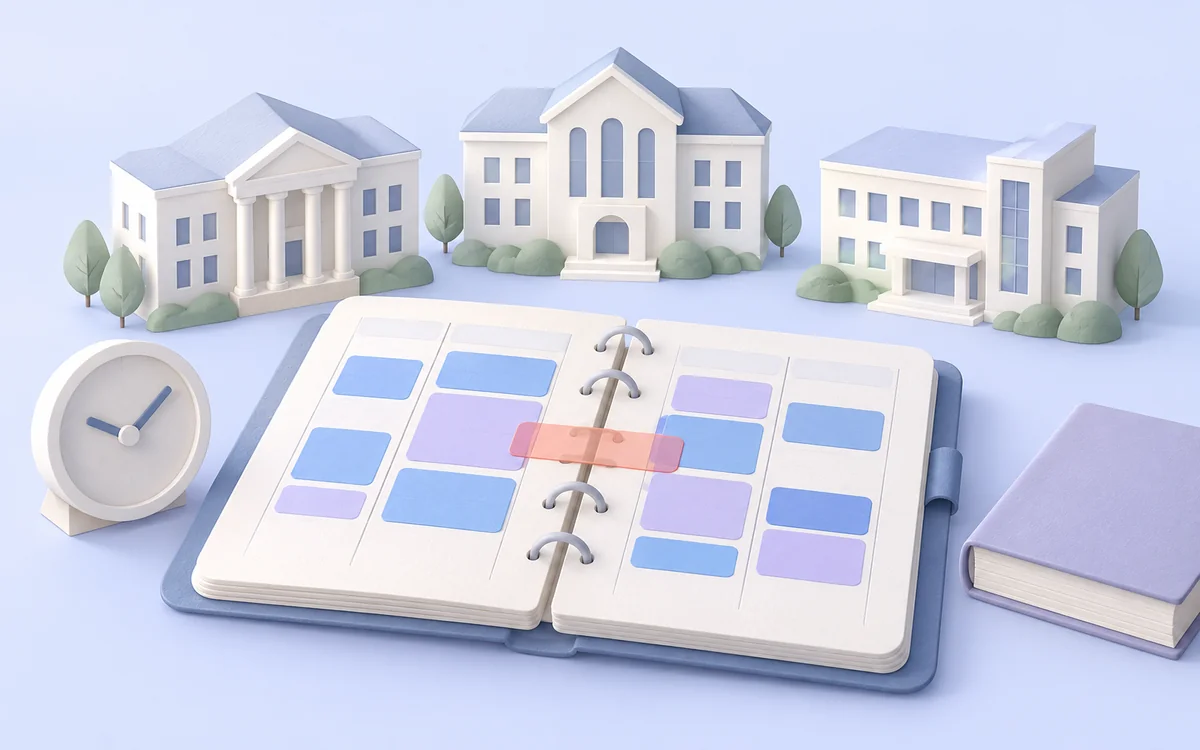
Classes appear on different sites and in different formats. You need to track alternating weeks, substitutions, rooms, and travel time between buildings. One missed change can reshape the entire day.
Start with a small sample. Then control the rules, frequency, and result.
Choose institution sites and inspect their publication formats. Configure collection from pages; for files or private areas, determine access and processing in advance.
Keep date, start and end times, alternating-week pattern, group, building, and time zone. After exporting, combine sources, check substitutions, and define conflict rules.
Schedule collection and send a table or API data to your system. Add your travel buffer to calculate when to leave between institutions.
Your team gets prepared data and more time to make decisions.
Classes from several sources become one structure. Time, group, subject, and room stay beside the source link and check date.
After combining data, your rules flag overlapping classes and breaks that are too short. You define travel time between buildings.
Prepare a daily summary for your preferred service. Each class can include its address, room, and departure time with your chosen buffer.
Choose fields and processing rules for your task. Each record can retain its source link and check date.
Open the guideInspect the specific source first: file format, access, and retrieval method. Configure collection and processing for it, then check dates, rooms, and substitutions against several real teaching days.
Keep effective dates, week parity, and substitution flags when published. Define rules for expanding a schedule to a particular day and prioritizing substitutions, then check them against the source.
You set travel time between buildings and an extra buffer. After schedules are combined, processing calculates departure times and flags insufficient breaks. This is your travel plan, not a traffic prediction.
Find and verify the institution's start and end times for each class number. Without them, you cannot reliably identify overlapping classes or calculate travel time.
Explore an example, then configure your workflow.
Confirm the format, available dates, and fields before setting up the teaching summary.
Verify when collection starts and when the daily summary is ready.
Set scenario run times for your institutions’ timetable sources.
Test one source, review the result, and choose how to run it. Expand the process with your team when it works.